


This software offers to you 2 option of using:
1 – Use any OBD2 tool, that can extract 7 bytes of component security from car unit or extract them from ECU eeprom file.Run software, press PROG and select car manifacturer.Enter component security bytes.Module will prerare dealer key ready for programming with diagnostic device and PIN code.
2 – If you have working key, and you can extract at least 6 bytes component security from engine ECU, you can search for 7-th byte using working key and to prepare new dealer key.Go to TOOLS and select this option.Enter car manifacturer and 6 bytes of CS.Software will search for 7-th byte.When searching completed, remove original key, insert key with blank ID48 or Silca T6 – JMA TP08, press OK and dealer key will be prepared.
You can select between standard ID48 and TS48 copy transponder.If you select ID48, you will get dealer key ready for programming with diagnostic device and PIN code.If you select TS48, you will get full copy of original key ready to start car.
Related Products
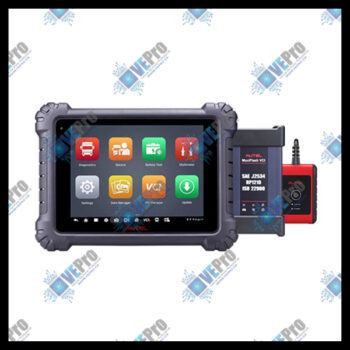
MS909CV Tablet | Advanced Commercial Vehicle Diagnostics Tablet w/wireless J2534 VCI
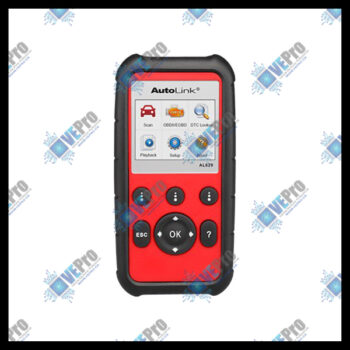
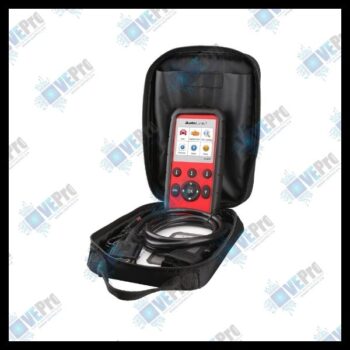
AL629 Code Reader | AL629 ABS/SRS/Engine/Transmission Scan Tool
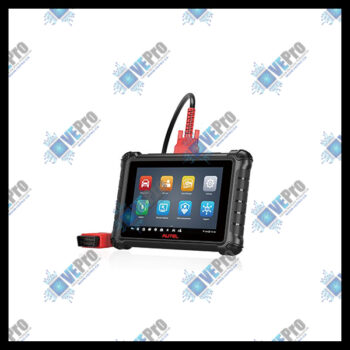
MX900 Service Tablet | 8in Diagnostic tablet

CAN FD Adapter | CAN FD Adapter Enables Diagnostics of Vehicles Using CAN FD Protocol
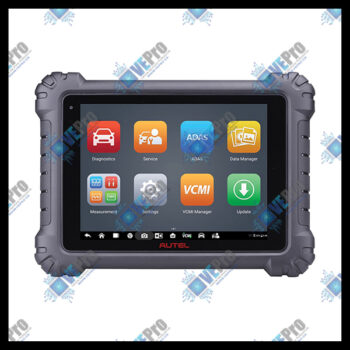
MS919 Tablet | MaxiSYS MS919 Diagnostic Tablet with Advanced VCMI
APPbased Diagnostics | App-based diag and service tool that performs diagnostic and services

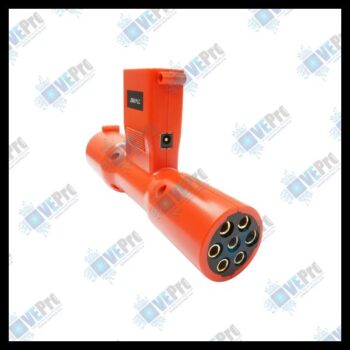
TrailerPLC Connector | Trailer PLC Connector to 7-Way Plug
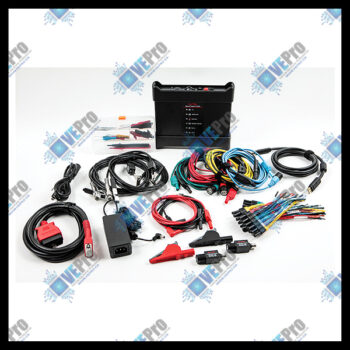
MFVCMI Kit | VCMI Kit – VCMI, power supply, cables, leads, probes, pickup, clips, attenuator


MD808P Code Reader | MD808P All Code Reader w/EPB/SAS/DPF Services

MS909EV Diagnostic Tablet | Diagnostic Tablet for electric, gas and diesel, and hybrid vehicles
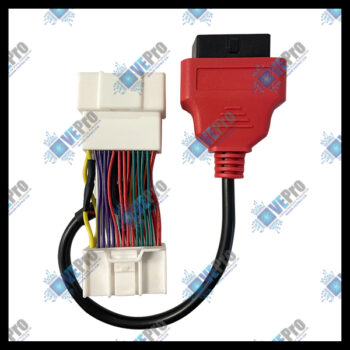
Tesla 3, Y-comp adpt | Tesla-compatible diagnostic adapter for models 3 and Y
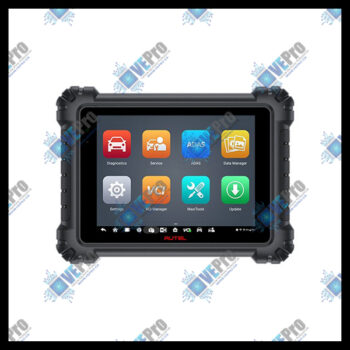
MS909 Tablet | MaxiSYS MS909 Diagnostic Tablet with MaxiFLASH VCI