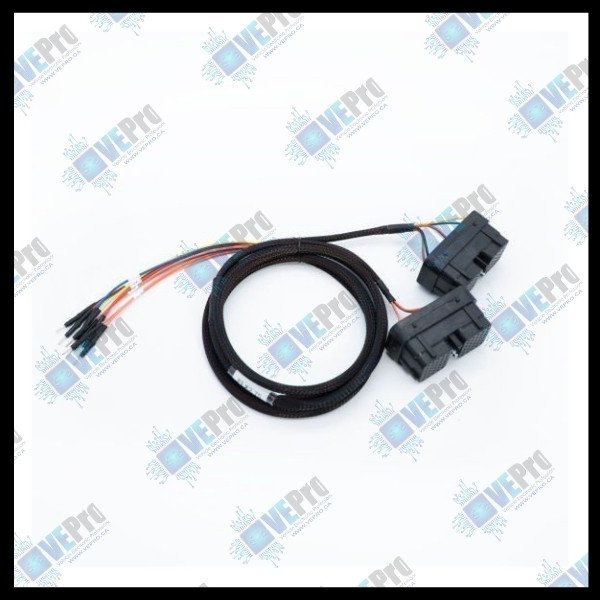
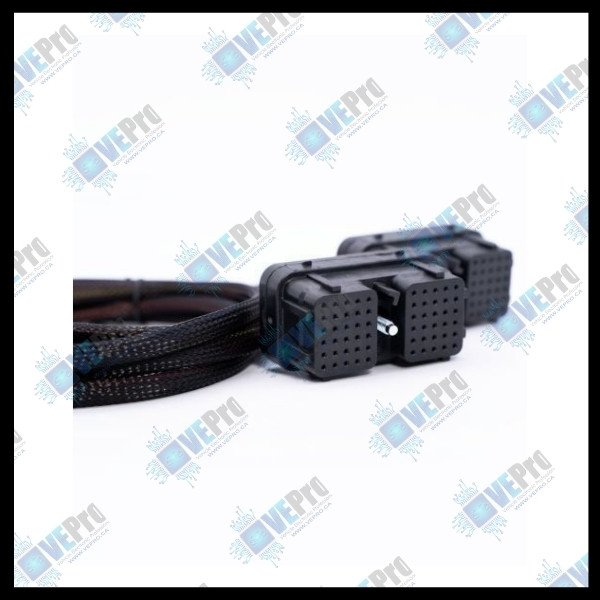
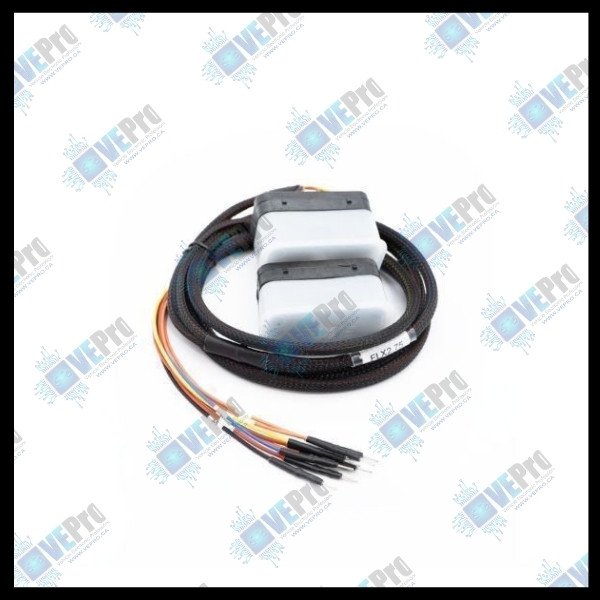
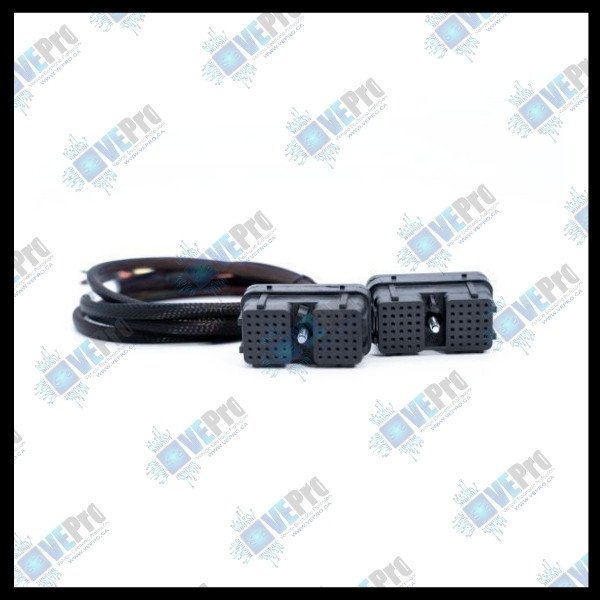
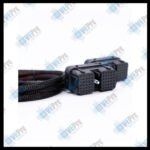
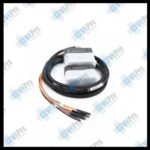
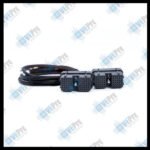
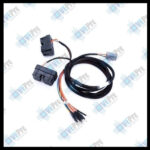
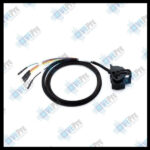
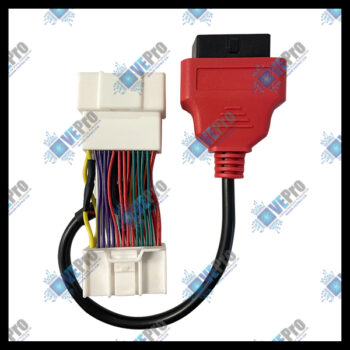
The FLX2.75 is a dedicated BootROM connection cable designed for professional ECU programming and service work on CM2100A Cummins ECUs.
Engineered to deliver stable and secure connectivity, this cable enables communication between Dodge control units and the FLEX tool, supporting BootROM procedures where reliable contact is essential.
Ideal for workshop technicians and programming specialists, the FLX2.75 helps ensure an efficient and safe programming workflow when handling Cummins engine control units.
⭐ Key Features
BootROM cable for CM2100A Cummins ECU
Designed for Dodge control units
Ensures stable and reliable connection with FLEX
Ideal for ECU programming and service work
Professional workshop-grade cable
Compatibility
ECU Type: CM2100A Cummins
Vehicle Application: Dodge
Tool: FLEX
Operation: BootROM connection
Related Products
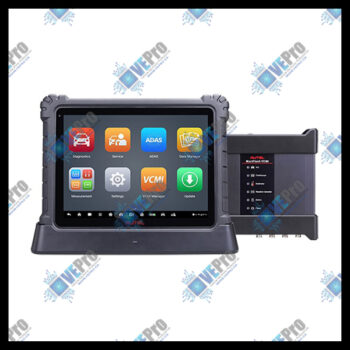
MSULTRA Tablet | MaxiSYS Ultra Diagnostic Tablet with Advanced VCMI
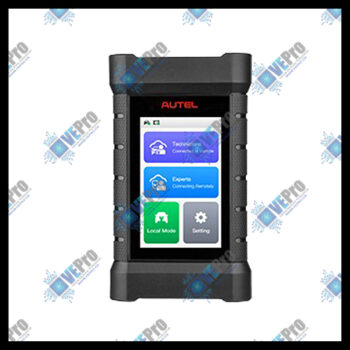
Comm. and Prgm. Unit | The Xlink is a 3-in-1 vehicle communication, Remote Expert and J2534 device
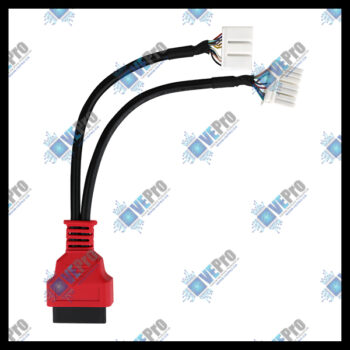
Tesla-comp diag cbl | Diag cable for Tesla 3, Y, S, and X vehicles, 12 and 20 pin to 16 pin adapter
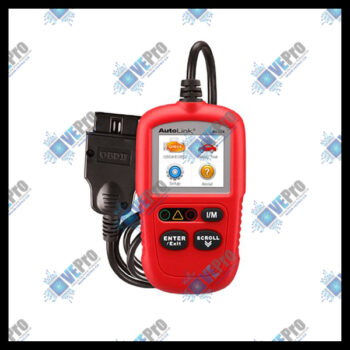
AL329 Code Reader | AL329 Easy-to-Use Handheld OBDII Code Reader
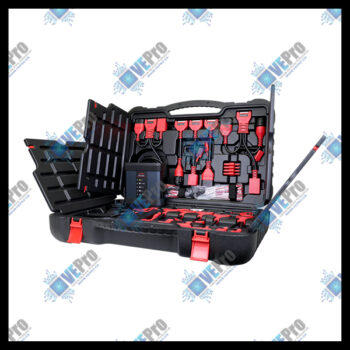
EV Diag Upgrade Kit | EVDiag Box, software, and adapters to perform EV battery pack analysis

Bluetooth VCI | Bluetooth Vehicle Communication Interface

MS906PRO Diag Scan Tool | Diagnostics Scan Tool, 8” Touchscreen, Android 7.x, Octa-Core Processor, Cloud Services
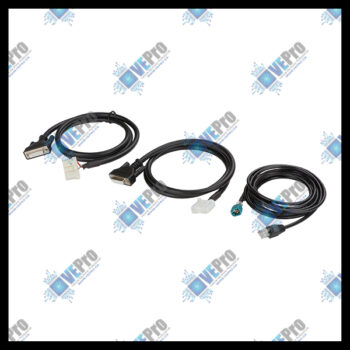
Tesla Adapter Cables | Autel Diagnostic Cables for Tesla Model S and X.
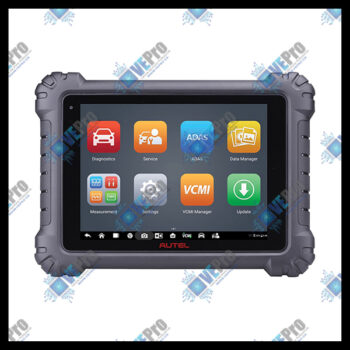
MS919 Tablet | MaxiSYS MS919 Diagnostic Tablet with Advanced VCMI
TrailerPLC Connector | Trailer PLC Connector to 7-Way Plug
Tesla 3, Y-comp adpt | Tesla-compatible diagnostic adapter for models 3 and Y

CAN FD Adapter | CAN FD Adapter Enables Diagnostics of Vehicles Using CAN FD Protocol